

WordPress Ticket Entries Plugin
The Ticket Entries plugin is a powerful tool designed to enhance your WooCommerce store by automatically allocating ticket entries to customers when they purchase subscription products or one-off products. Perfect for giveaway and raffle sites, this plugin integrates seamlessly with WooCommerce Subscriptions to manage and distribute ticket entries efficiently.
Features:
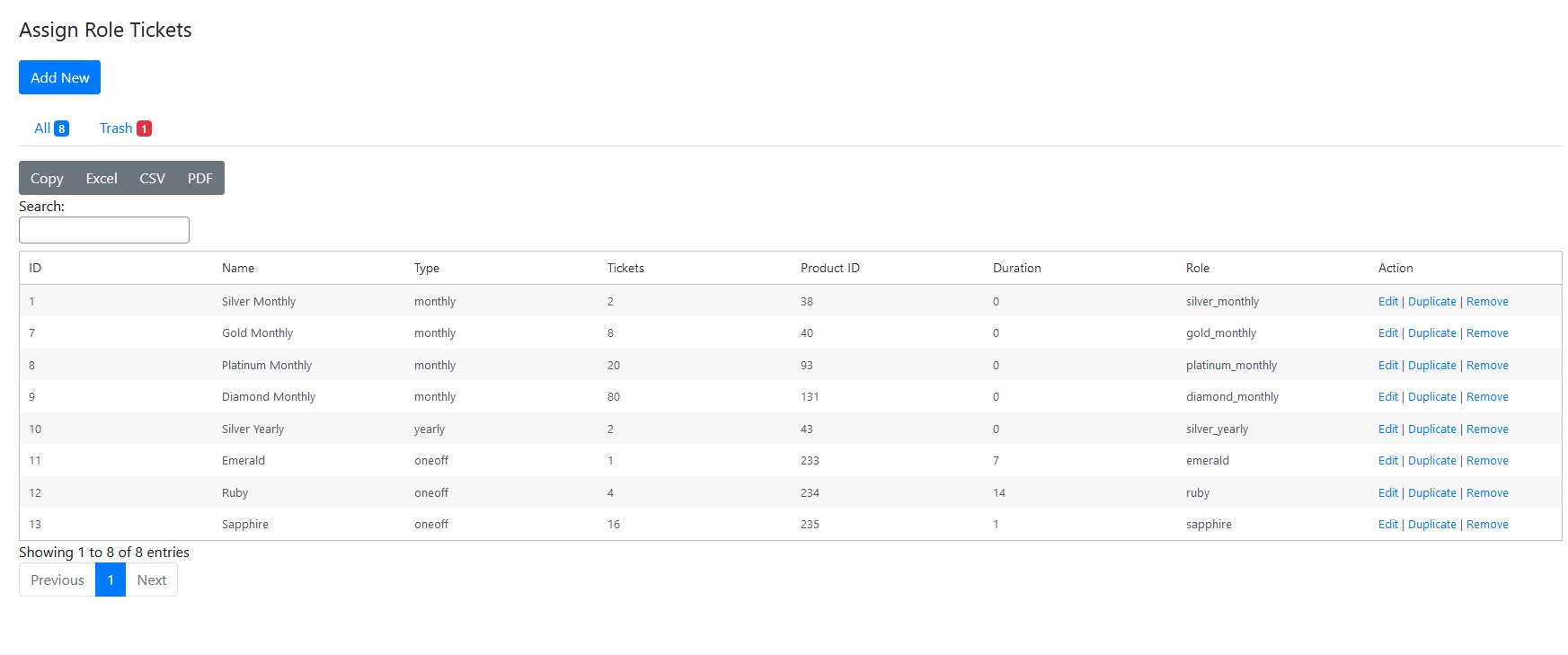
Automatic Ticket Allocation: Instantly assign ticket entries to users upon purchasing subscription or one-off products.
WooCommerce Integration: Full compatibility with WooCommerce and WooCommerce Subscriptions.
Custom Winner Selection Wheel: Built with ReactJS, this feature automatically selects a winner, adding excitement to your giveaways and raffles.
User Shortcodes: Display current and accumulated ticket entries with easy-to-use shortcodes.
CRON Management: Automatically pause and resume ticket allocations for orders with ‘On-hold’ or ‘Pending Payment’ statuses.
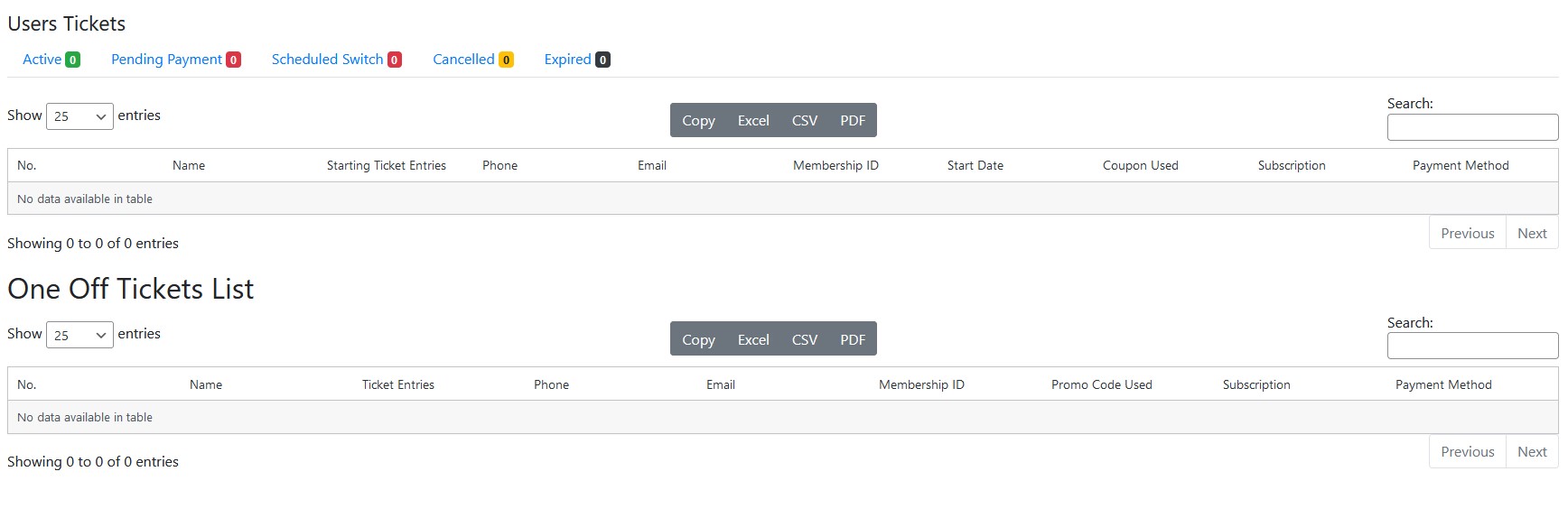
Automatic Calculation: Ticket entries accumulate and are automatically calculated when user renews.
Admin Entry Management: Admins can add, edit, and reset entries directly from the WordPress backend.
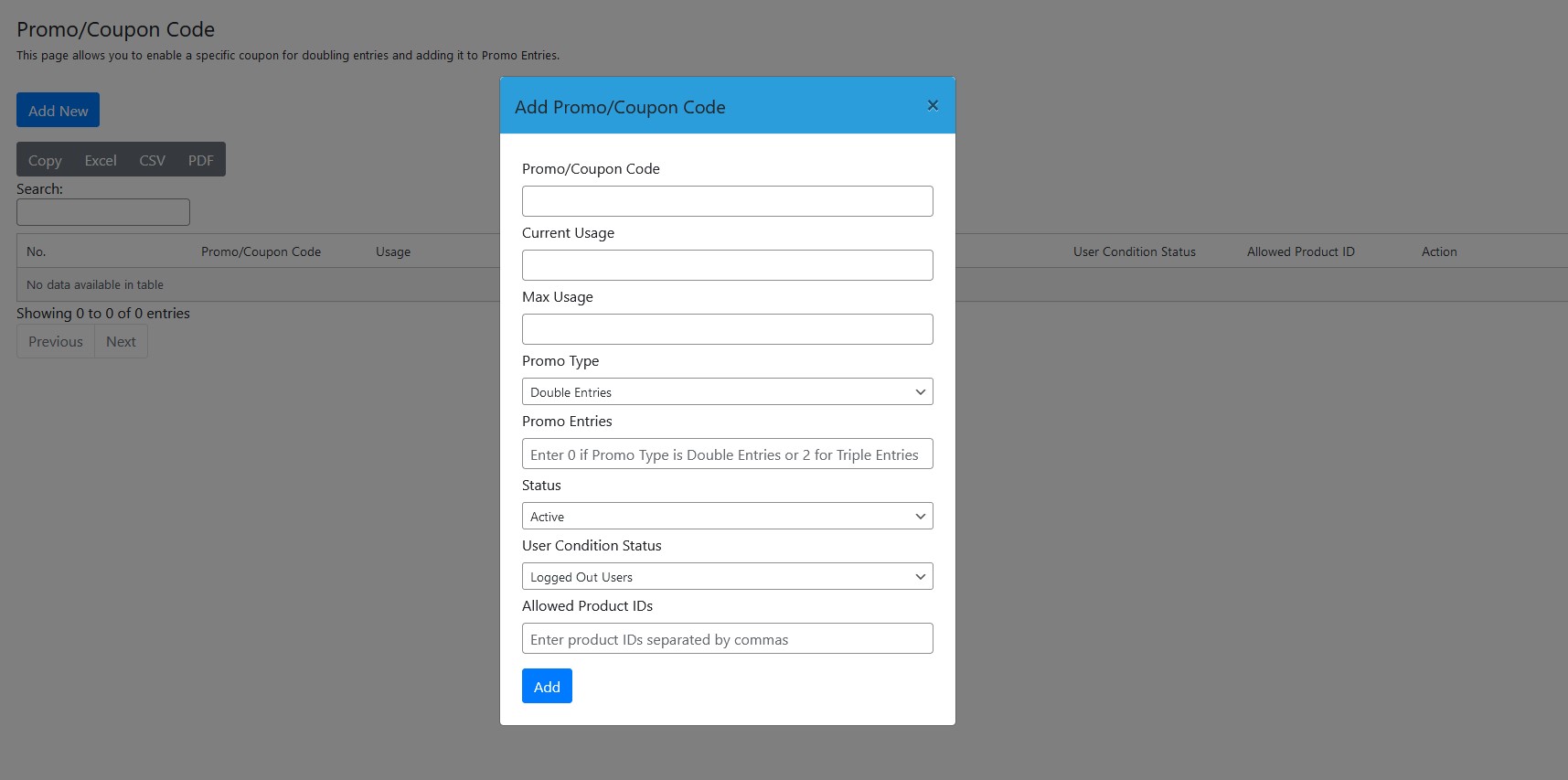
Promo Entries and Coupons: Admins can create coupon codes that double the entries when purchased and applied, offering promotional opportunities.
WordPress Hooks & Filters: Utilize hooks and filters to customize plugin functionality.
Business Partner Management: Submit, review, and manage business partner information with custom CRUD functionality.
Custom Checkout Template: Provide a unique checkout experience with custom templates.
Email Verification: Secure account cancellations with email verification codes.
Export Entries: Easily export entry data for analysis and reporting purposes.
Installation:
1. Upload the Ticket Entries plugin to your WordPress site.
2. Activate the plugin through the ‘Plugins’ menu in WordPress.
3. Configure the settings as needed to start allocating ticket entries.
Download: To download the plugin, please reach out to Dave’s whatsapp.

Testimonials
"Dave did amazing work, he grew and learned very quickly and he got the job done at the end of the day. We are very grateful and glad we got work with dave."
Anan H. & Mina
"Dave's efficiency and creativity have truly elevated our projects to new heights. His hard work and dedication are truly commendable, and I admire dave's unwavering commitment to excellence. What sets dave apart is not only his professional prowess but also his incredible personality. Dave's carry himself with such grace and respect, embodying the qualities of a true gentleman. His maturity, well beyond your years, is truly remarkable, and it's been a pleasure working with someone as decent and considerate as dave."
Mariam K.
"Dave has been a fantastic partner in developing our FDD WordPress website. His technical expertise and innovative solutions have consistently exceeded our expectations. Dave's professionalism and proactive approach have made the entire process smooth and efficient. His ability to understand our needs and translate them into a functional, user-friendly website is impressive. I highly recommend Dave for any web development projects"
Syed Muhammad S.
"Jun is an exceptional web developer. He is communicative, professional, and versatile. He helped elevate our website with new features, cleaned up the site, fixed formatting and design issues, and provided valuable feedback. We highly recommend Jun for any web projects. Thank you, Jun, for your amazing work!"
Sarah B.
"We are very happy with Jun's work. He executes beautifully and promptly."
Eureka Q.
Hard Skills
TECHNOLOGIES
HTML/HTML5
CSS3
JavaScript/ES6